How to Fix 6NNN Withdrawal Issues in Pakistan
6NNN Withdrawal Issues can be frustrating, especially when a payment remains pending or does not reach your JazzCash, Easypaisa, or bank account. In many cases, the problem is linked to incomplete verification, incorrect wallet details, withdrawal limits, or an unfinished bonus requirement. Checking each point carefully can help you identify the reason without submitting repeated requests.
A delayed payment does not always mean that the amount has been lost. Processing time can depend on account status, payment method, system traffic, and security checks. Pakistani users should remain patient, keep transaction records, and avoid sharing private account information with unknown people.
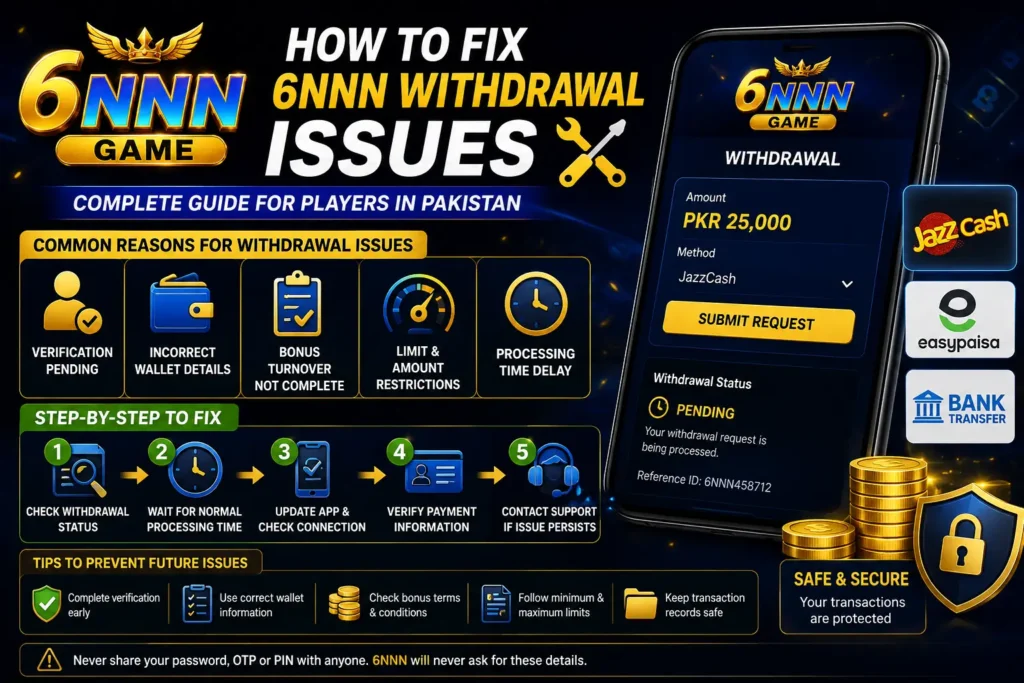
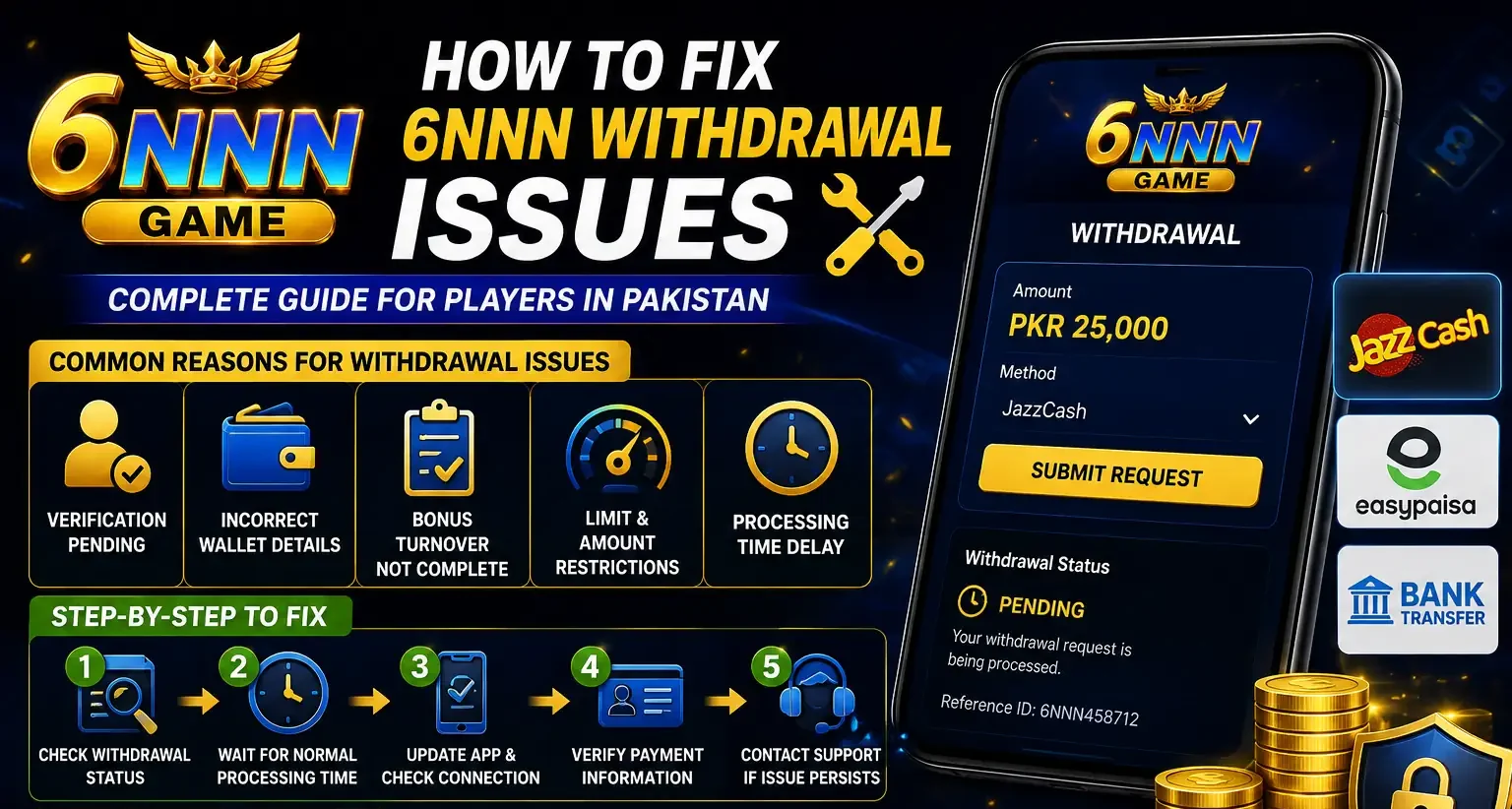
Common Reasons Behind 6NNN Withdrawal Issues
Incomplete Account Verification
Some accounts may require identity or mobile-number verification before a withdrawal can be approved. A mismatch between your registered name and payment-account name may cause the request to remain pending or be rejected.
Check Your Account Details First
Confirm that your name, phone number, wallet information, and other requested details are correct. Use the same information connected to your JazzCash, Easypaisa, or bank account. Do not create several withdrawal requests while the first one is still under review.
Incorrect Wallet or Bank Information
A small typing mistake can send the request into review. Wrong mobile numbers, incomplete bank details, and unsupported payment methods are common causes of a 6NNN Game Withdrawal Issue.
Recheck every digit before confirming the transaction. For mobile wallets, make sure the account is active and registered under the correct name. For bank transfers, confirm the account title, number, and bank selection.
Bonus Turnover Is Not Complete
Promotional balance may come with wagering or turnover conditions. A user may see money in the account but still be unable to withdraw it until the required activity is completed.
Read the bonus rules and separate your cash balance from promotional credits. Do not continue spending only to unlock a bonus when the condition is unclear. Contact official support for an explanation before taking further action.
Minimum or Maximum Withdrawal Limits
The entered amount may be below the minimum limit or above the allowed daily amount. The platform may also limit the number of requests allowed within a certain period.
Change the amount according to the message shown on your screen. When no limit is displayed, take a screenshot and ask support to confirm the applicable requirement.
Step-by-Step Method to Fix the Problem
Step 1: Check the Withdrawal Status
Open the transaction or withdrawal-history section. Look for labels such as pending, processing, successful, rejected, or cancelled. Each status requires a different response.
Step 2: Wait for the Normal Processing Period
Do not cancel and resubmit the request repeatedly. Multiple requests can create confusion or trigger an additional account review. Keep the transaction ID and note the submission time.
Step 3: Update the 6NNN Game and Internet Connection
An outdated app or unstable connection may prevent the latest status from appearing. Restart the app, use a reliable internet connection, and sign in again. Never install modified APK files from unknown sources.
Step 4: Review Payment and Verification Information
Correct any visible error in your profile or payment method. When editing is unavailable, ask official support to guide you instead of opening another account.
When Should You Contact Support?
Contact support when the stated processing time has passed, the request is rejected without a clear reason, or the amount is marked successful but has not reached your account.
Information to Prepare
Keep your registered username, transaction ID, payment method, requested amount, submission time, and a screenshot of the status ready.
Send a Clear Support Message
Explain the problem in one message and include only the necessary facts. This makes it easier for the support team to review the 6NNN Withdrawal Issues connected to your account.
Helpful Evidence
A withdrawal-history screenshot, wallet statement, and transaction reference can help prove that the payment has not arrived.
Protect Your Sensitive Information
Never send your password, OTP, wallet PIN, complete card details, or login code. Genuine support should not require these details to check a withdrawal request.
Tips to Prevent Future Withdrawal Problems
Use a payment account registered in your own name, complete verification early, read bonus conditions, and check withdrawal limits before submitting. Save screenshots of important transactions and avoid using public Wi-Fi while handling payments.
A 6NNN Game Withdrawal Issue is easier to resolve when your profile and payment details are accurate. Responsible account use and clear records can reduce delays.
Conclusion
Most 6NNN Withdrawal Issues can be handled by checking verification, payment details, turnover rules, transaction limits, and request status. Avoid repeated submissions, allow reasonable processing time, and contact official support with complete transaction information when necessary. Pakistani users should also protect their JazzCash, Easypaisa, and bank credentials throughout the process.